 How-to
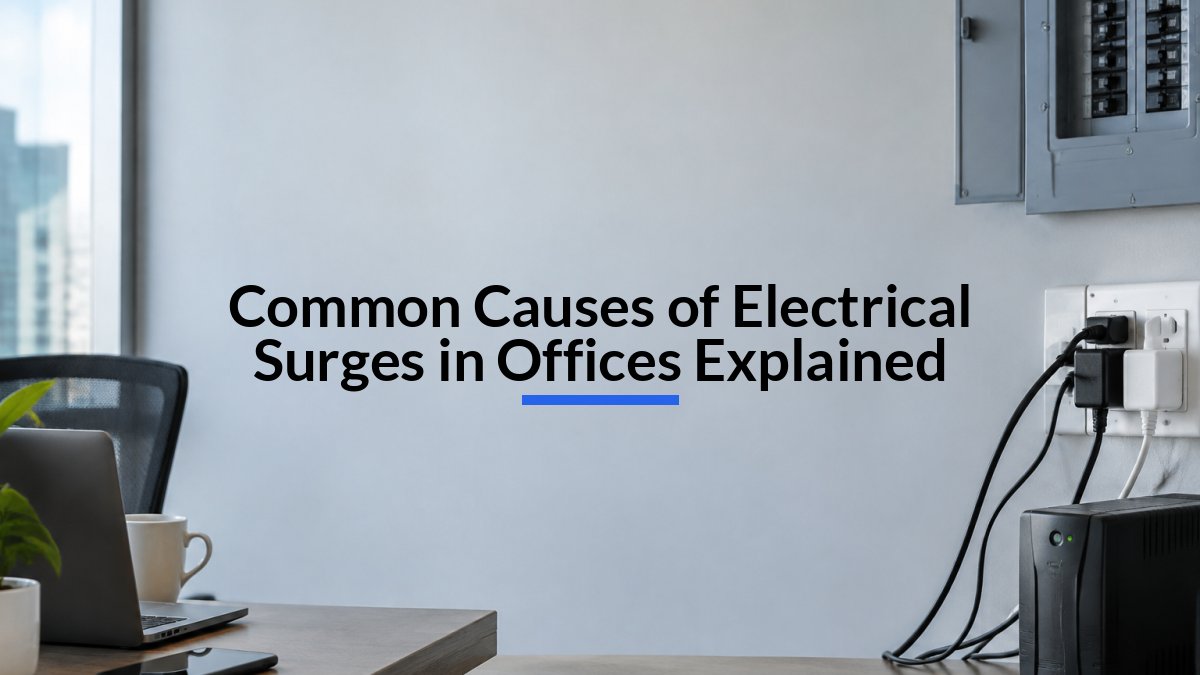
Common Causes of Electrical Surges in Offices Explained
Quick Summary
Electrical surges in offices most often come from internal sources such as HVAC units, elevators and copiers switching on, along with loose wiring and overloaded circuits. External causes include lightning near power lines and utility switching. Internal surges are usually easier to control, since the building owner can inspect and maintain the wiring.
- Internal sources include HVAC units, elevators, copiers, faulty or loose wiring, and overloaded circuits.
- External sources include lightning strikes near power lines, utility switching and grid events, and storm or accident damage to lines.
- Internal surges are often easier to control because the building owner can inspect and maintain the wiring.
- Avoid restarting every machine the moment power returns; give the building a few minutes to settle first.
- Watch for flickering lights, repeated breaker trips, warm outlets and burning smells as signs of a surge or overload.
Table of Contents
- What an Electrical Surge Is and Why Offices Are Exposed
- Internal Versus External Surge Sources
- Lightning and Severe Weather
- Utility Grid Switching and Power Restoration
- Office Equipment, Load Switching and Overloads
- Signs of a Power Surge to Watch For
- What to Do After a Power Surge in Your Office
- Planning Office Power Surge Protection With Mister Volts
- Frequently Asked Questions
Common Causes of Electrical Surges in Offices Explained
Last Updated: November 6, 2026
Electrical surges are a quiet threat to office equipment. A sudden spike in voltage can burn out a computer, a server power supply or a network switch in a fraction of a second. The sections below cover the most common causes, the warning signs to watch for and the steps to take after an event.
What an Electrical Surge Is and Why Offices Are Exposed
An electrical surge, also called a voltage spike or transient voltage, is a brief jump in voltage above the normal level in a circuit. Surges can last only microseconds, yet they are powerful enough to damage sensitive electronics.
Offices are especially exposed for a few reasons:
- Many devices run at once, including computers, printers, phones and network gear
- Much of the equipment is electronic and has little tolerance for voltage changes
- Shared circuits often power several workstations at the same time
- A single failure can stop work across an entire floor
The Electrical Safety Foundation International (ESFI) notes that switching electrical loads, lightning, faulty wiring or connections, and damage to power lines are all commonly cited causes of surges. Knowing these sources helps a facility manager decide where to focus protection.
Internal Versus External Surge Sources
Surges generally come from two places. Internal sources start inside the building. External sources come from the utility grid or from weather. The distinction matters because the two behave differently, arrive on different paths, and call for different fixes.
Internal sources include:
- Large equipment, such as HVAC units, elevators and copiers, switching on and off
- Faulty or loose wiring and connections
- Overloaded circuits that cause unstable voltage
- Damaged outlets or breakers
External sources include:
- Lightning strikes near power lines
- Utility switching and grid events
- Damage to power lines from storms, accidents or wildlife
Internal surges are often easier to control, because the building owner can inspect and maintain the wiring. External surges usually need protection at the service entrance and on sensitive circuits.
How the two differ in practice
Internal switching surges tend to be smaller and more frequent. When a motor-driven load like an HVAC compressor or an elevator starts, the current draw jumps and the voltage on shared circuits dips, then rebounds. That rebound is a transient. Because these events repeat many times a day, their damage is usually cumulative rather than immediate, and they tend to cluster on the circuits that share the offending equipment.
External surges arrive from outside the building. A lightning-induced surge can travel in on the service conductors even without a direct strike, and utility switching or reclosing after an outage can push a brief overvoltage through the service entrance. These events are less frequent but can be larger, and they affect equipment across the whole building at once rather than one circuit.
A practical way to tell them apart
Most practitioners find that a simple pattern check narrows the source quickly:
- Note which equipment was affected. Damage confined to one circuit or one area points toward an internal source on that circuit. Damage spread across unrelated circuits points toward an external event.
- Check the timing. Failures that follow a storm, an outage, or a visible flicker in the whole building suggest an external cause. Failures that recur when a specific machine starts suggest internal switching.
- Look at the panel and grounding. Loose neutral or grounding connections can make ordinary switching events worse and can mimic external surges.
- Compare against utility records. If the utility reports switching, maintenance, or restoration work around the time of the event, an external cause becomes more likely.
Watch out: this pattern check narrows the likely source but does not prove it. A surge that leaves no record on any device can still have occurred, so treat the result as a direction for inspection rather than a diagnosis.
Once the likely source is identified, protection can be targeted. Internal switching problems are reduced by separating high-demand equipment onto dedicated circuits and tightening connections. External exposure is reduced with protection at the service entrance plus point-of-use protection on sensitive circuits.
The two surge sources differ in where they start, how often they occur and how they are controlled, as summarised below.
| Source type | Typical examples | Main control |
|---|---|---|
| Internal | HVAC units, elevators, copiers switching | Dedicated circuits, tight connections |
| Internal | Faulty or loose wiring, overloaded circuits | Inspection and load review |
| External | Lightning strikes near power lines | Service entrance and point-of-use protection |
| External | Utility switching and grid events | Service entrance protection |
| External | Storm, accident or wildlife line damage | Service entrance protection |
Lightning and Severe Weather
Lightning is a well-known cause of surges, but it is not the only one, and it is not necessarily the most common. ESFI lists lightning alongside switching, wiring faults and line damage, which means office managers should not assume every surge comes from a storm.
Still, storms deserve attention. Lightning can induce a surge on power lines even when it does not strike the building directly. Offices in areas with frequent thunderstorms should plan for this risk. A practical step is to make sure critical equipment has surge protection and that the protection is working.
Utility Grid Switching and Power Restoration
Utility companies routinely switch parts of the grid to isolate faults, perform maintenance or restore service. When power comes back on after an outage, the voltage can briefly overshoot or fluctuate. This is one reason office equipment is often damaged right after power returns.
A common mistake is restarting every machine the moment the lights come back. Give the building a few minutes to settle. Then bring equipment back online in stages, starting with the most critical systems. Many offices also find it useful to keep surge-protected power strips or uninterruptible power supplies (UPS) on servers and network gear.
Office Equipment, Load Switching and Overloads
Office equipment is a frequent source of surges inside the building, and the reason is mechanical. Copiers, laser printers, space heaters, refrigerators and HVAC compressors draw large amounts of current when they start. That sudden demand can cause voltage dips and spikes on shared circuits. The effect is strongest on motor-driven and heating loads, which pull a heavy inrush current for a moment before settling to normal draw.
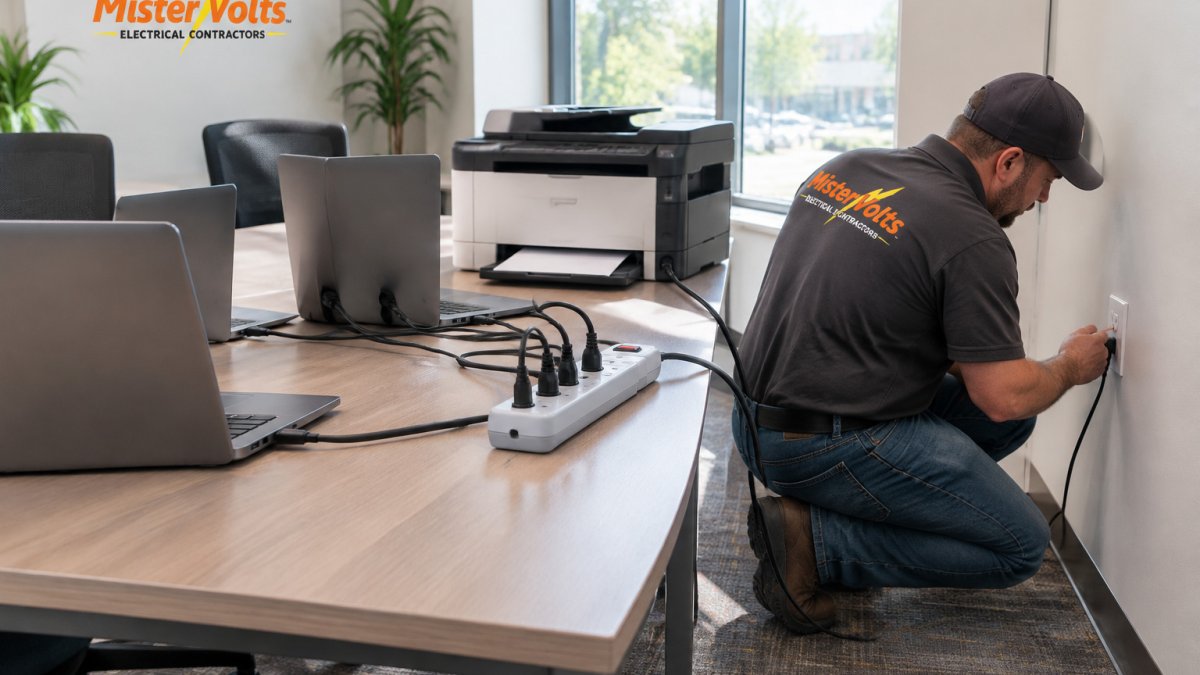
Different office loads behave differently:
- Laser printers and copiers use fuser heaters that cycle on and off during a job, producing repeated small switching events rather than one large one.
- HVAC compressors and elevator motors draw a heavy inrush at startup, which is why lights on the same circuit may dim briefly when they kick on.
- Space heaters and kitchen appliances add steady high current that pushes shared circuits closer to their limits.
- Servers and network gear do not create large surges themselves, but they are the most sensitive equipment on the circuit and absorb the effects of everything else.
Overloads make the problem worse. When too many devices share one circuit, the wiring heats up and voltage becomes less stable. Watch for these signs of overload:
- Breakers that trip often
- Outlets or power strips that feel warm
- Lights that dim when large equipment starts
- Buzzing or burning smells near outlets
If you see these signs, have a licensed electrician review the circuit loads. Spreading equipment across circuits and adding dedicated circuits for high-demand devices can reduce the risk.
Isolating the offending load
A common pattern in offices is a recurring problem that follows one machine. To find it, move high-demand equipment onto its own circuit where practical, then observe whether the flicker or failures continue on the remaining shared circuits. If they stop, the isolated load was the source.
Watch out: adding a dedicated circuit solves the switching problem only if the circuit is sized and the connections are tight. A loose connection on the new circuit can create its own voltage instability, so the work should be inspected after installation.
For equipment that cannot be moved, point-of-use protection and a UPS on critical devices buffer the dips and spikes that switching loads create. The goal is not to eliminate every transient but to keep the most sensitive equipment off the circuits where the heaviest loads switch.
Signs of a Power Surge to Watch For
A surge does not always leave obvious damage. Watch for these warning signs in your office:
- Lights that flicker or dim without a clear cause
- Equipment that restarts on its own
- Breakers that trip repeatedly
- Scorch marks, burning smells or discolored outlets
- Electronics that fail or act strangely after a storm or outage
Watch out: Some damage builds up slowly. A device can keep working while its internal parts weaken. If equipment fails weeks after a known event, the surge may be the cause.
What to Do After a Power Surge in Your Office
Acting quickly after a surge can limit further damage. Follow these steps:
- Turn off and unplug sensitive equipment that may have been affected
- Check for burning smells, scorch marks or damaged outlets, and do not reset breakers repeatedly
- Test critical devices one at a time before returning them to service
- Document any damage with photos and notes for insurance and repair records
- Call a licensed electrician to inspect the panel, wiring and surge protection, including service panels that may need attention after repeated events
Waiting to inspect the system can lead to more damage later. A professional check gives you a clear picture of what happened and what needs repair.
Planning Office Power Surge Protection With Mister Volts
Good protection starts with a plan. Mister Volts is a licensed electrical contractor serving Macon, Perry and surrounding Georgia communities, and can discuss your electrical needs with you. For buildings where circuit breakers trip often or electrical meters show unusual readings, a professional review can pinpoint the cause.
Mister Volts offers residential and commercial electrical services. If your office has repeated breaker trips, dimming lights or equipment failures, a professional assessment is a good first step. Start with a conversation about your electrical needs, and learn when a panel needs attention so you know what to look for.
Pricing depends on the size of the facility, the equipment involved and the work needed, so contact Mister Volts for a quote tailored to your office.
Frequently Asked Questions
What are the most common causes of electrical surges in offices?
The most commonly cited causes are lightning, utility switching and power-line damage, switching of electrical loads inside the building, and faulty wiring or loose connections. Large equipment cycling on and off, such as HVAC compressors and elevators, can also produce spikes. Because several sources are possible, a qualified electrician should inspect the building's wiring and panel to identify which ones apply to your office.
Can office equipment cause a power surge?
Yes. Switching electrical loads is one of the recognized internal causes of surges, and large equipment that starts and stops frequently can create voltage spikes on the circuit. Office equipment such as printers, copiers and server racks can contribute, especially when several high-draw devices share one circuit. Spreading loads across circuits and using surge-protected power strips helps reduce the risk.
Can a lightning strike cause a power surge inside an office?
Lightning is one commonly cited cause of surges, and it can reach a building through power lines or nearby strikes even when the building itself is not hit. Lightning is not the only source, however, and many surges come from internal switching or wiring problems. Whole-building surge protection at the service entrance, combined with point-of-use protection for sensitive equipment, addresses both types of risk.
How can businesses protect office equipment from power surges?
Start with an electrical inspection to identify wiring faults, overloaded circuits and missing grounding. Then add layered protection: a surge protective device at the main panel for whole-building coverage, and surge-rated power strips or uninterruptible power supplies for critical computers and network equipment. For guidance on your premises, contact Mister Volts at https://mistervoltsusa.com/contact.