 How-to
How Do You Troubleshoot Flickering Lights at Home?
Last Updated: October 29, 2026
Quick Summary
Start by checking the bulb: turn off the light, tighten it or replace it with a correct-type bulb, and confirm your dimmer supports that bulb. Flickering lights are often caused by a loose bulb, a worn bulb, or a dimmer that doesn't match the bulb type. Note whether the flicker affects one light, one room, or the whole house, since the scope points to the cause.
- Turn off the light at the switch before you remove or tighten any bulb.
- Swap a flickering bulb with a known-good bulb to see whether the bulb or the socket is at fault.
- Many flicker problems come from pairing a dimmer with an LED or fluorescent bulb that it doesn't support.
- Flicker across several rooms or the whole house points to the circuit or service, so call a licensed electrician.
- Call an electrician right away if you notice burning smells, buzzing, sparks, hot switch plates, or repeatedly tripping breakers.
Table of Contents
- Why Your Lights Are Flickering: The Most Common Causes
- How to Fix a Flickering Light Step by Step
- Diagnose the Pattern: One Light, One Room or the Whole House
- Why Lights Flicker When Appliances Turn On
- Warning Signs That Mean Stop and Call an Electrician
- Booking Your Electrical Diagnostic With Mister Volts
- Frequently Asked Questions
When your lights start flickering at home, it's easy to assume something serious is wrong. Often the cause is simple, like a loose bulb or an incompatible dimmer. This guide walks you through how to troubleshoot flickering lights in your home, from quick fixes to the signs that mean you should call an electrician.
Flickering usually has one of a few causes. Start with the easy checks first, because they cost nothing and often solve the problem in minutes. For a closer look at local causes, see Macon-specific flicker troubleshooting.
Why Your Lights Are Flickering: The Most Common Causes
Most flickering comes from a short list of sources. A loose bulb is the most common, and a worn or failing bulb comes next. Dimmer switches that don't match the bulb type can cause flicker too. Less often, the problem sits deeper in the wiring or the circuit.
- Loose or improperly seated bulbs
- Faulty or worn bulbs
- LED and fluorescent bulbs that don't work with the dimmer
- Loose wiring or connections at the switch or fixture
- Overloaded circuits
How to Fix a Flickering Light Step by Step
Work through these steps in order. Each one rules out a possible cause before you move on to the next.
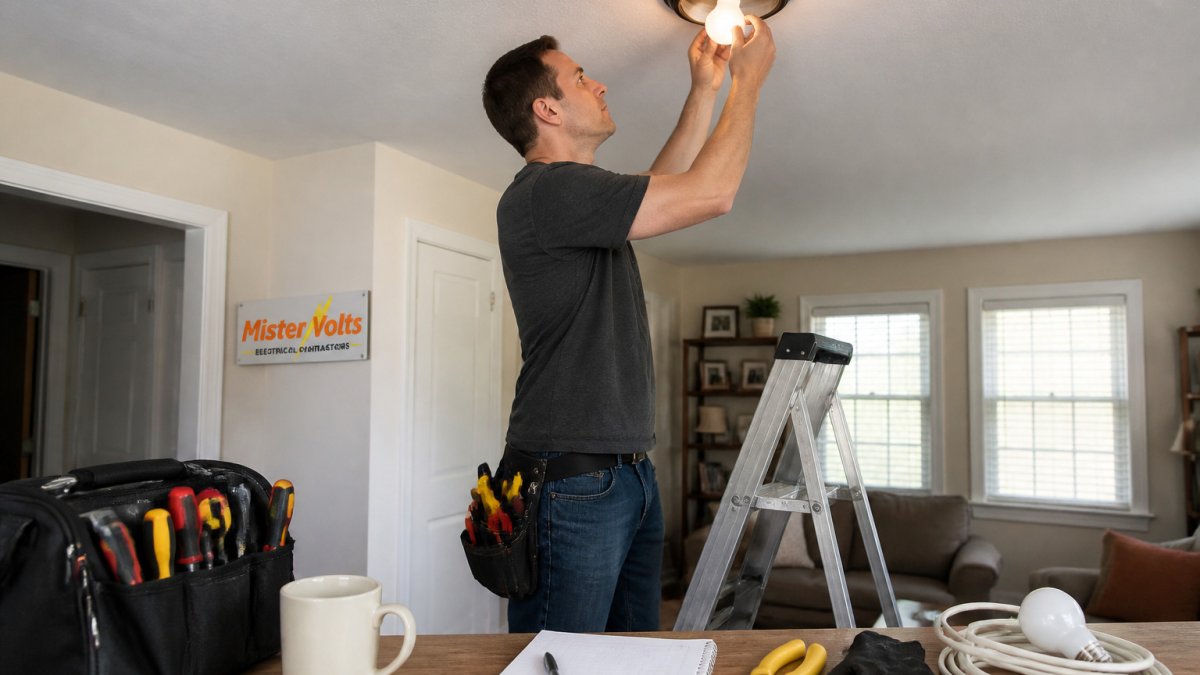
Step 1: Tighten or Replace the Bulb
Turn off the light at the switch first. Then remove the bulb and check that it sits firmly in the socket. Screw it back in until it is snug, but do not force it.
If the flicker continues, replace the bulb with a new one of the correct type and wattage. A bulb that flickers in one fixture may work fine in another, which points to the socket rather than the bulb.
Watch out: never touch a bulb or socket with wet hands or while the power is on.
Step 2: Check the Dimmer Switch and Bulb Compatibility
Many flicker problems come from pairing a dimmer with the wrong bulb. Standard dimmers often struggle with LED and some fluorescent bulbs. Check the dimmer's packaging or label to confirm it supports the bulbs you're using.
- Swap in a bulb labeled as dimmable
- Replace an old dimmer with an LED-compatible model
- Turn the dimmer to full brightness to see if the flicker stops
Diagnose the Pattern: One Light, One Room or the Whole House
The scope of the flicker is the single most useful clue you have. Before you touch anything, step back and answer one question: where is the flicker happening? The answer narrows the cause faster than any meter reading, and it tells you which checks are safe for you to do and which belong to a licensed electrician.
Use this decision tree, working from the narrowest scope to the widest.
Scope 1: One bulb in one fixture
If only a single bulb flickers while the other bulbs in the same fixture stay steady, the problem is almost always at the bulb or socket. Tighten the bulb, then swap it with a known-good bulb of the same type and wattage. If the flicker follows the bulb to a different socket, the bulb is failing. If the flicker stays with the socket, the socket or fixture connection is the suspect.
Safe for you: tightening or replacing a bulb with the power off at the switch.
Scope 2: One fixture, all bulbs
If every bulb in one fixture flickers together, the fixture itself is the common point, such as a shared socket, a loose fixture connection, or a dimmer serving only that fixture. Check the dimmer compatibility (see the dimmer section above) and confirm the fixture is not on a dimmer rated for a different load type.
Safe for you: confirming dimmer and bulb compatibility, replacing bulbs. Leave to an electrician: opening the fixture to inspect connections.
Scope 3: One room or one circuit
If several fixtures in the same room flicker together, or fixtures on the same circuit flicker in different rooms, the shared point is the circuit: a switch, a dimmer, a junction, or the breaker serving that circuit. This is the point where homeowner troubleshooting should stop. Loose connections inside a switch box or at a breaker are a fire risk and require the circuit to be de-energized and tested by a qualified person. A licensed electrician can also check the circuit breakers feeding that circuit to see whether they are wearing out or undersized.
Scope 4: The whole home
Whole-home flickering, meaning lights dimming or pulsing across multiple rooms at once, points beyond any single circuit. Common causes include a loose service connection, a problem at the main panel, or a voltage-quality issue on the utility side. Do not open the panel. Call your electrician, and if the flicker is accompanied by any warning sign in the next section, treat it as urgent.
Document the pattern while you diagnose
A simple log turns a vague symptom into a diagnosable pattern. For one week, note:
- Time of day the flicker occurs (morning, evening, during storms)
- Which lights are affected (one fixture, one room, multiple rooms)
- What was running at the time (HVAC, microwave, dryer, space heater)
- Whether the flicker is a blink, a dim, or a rapid pulse
- Whether breakers tripped and which ones
This record lets an electrician distinguish a local fixture issue from a circuit, panel, or supply problem before anyone opens a box.
Why Lights Flicker When Appliances Turn On
When a large appliance starts, it draws a surge of current for a fraction of a second. On a circuit or service with limited capacity, that surge pulls voltage down briefly, and incandescent bulbs dim while LEDs may blink or pulse. A small, brief dim at the moment a motor starts is common and often normal. A pronounced or repeated flicker is a signal worth investigating.
The mechanism, in plain terms
Motor-driven appliances, including central air conditioners, refrigerators, furnaces, well pumps, dryers, and space heaters, have high inrush current at startup. If the circuit wiring is undersized, the connections are loose, or the service panel is near capacity, the voltage dip is larger and more visible. The same appliance on a dedicated, properly sized circuit typically produces little or no visible flicker.
Normal versus worth-a-call
| Pattern | Likely meaning | Action |
|---|---|---|
| Brief dim at motor startup, lights recover immediately | Normal voltage dip on a loaded circuit | Monitor; note in your log |
| Noticeable flicker every time the appliance cycles | Circuit near capacity or loose connection | Have an electrician evaluate the circuit |
| Flicker across multiple rooms when one appliance runs | Shared circuit or service-level issue | Stop troubleshooting; call an electrician |
| Flicker with warm outlets, buzzing, or tripped breakers | Possible loose connection or overload | Treat as urgent; see warning signs |
Utility-side and voltage-quality causes
Not every whole-home flicker originates inside the house. Neighborhood outages, utility switching, and service-connection problems can produce voltage fluctuations that show up as flickering lights. If your log shows flicker that correlates with weather, time of day, or neighbors' lights behaving the same way, contact your utility to report the pattern before assuming the problem is inside your wiring. Utilities can check voltage quality at the meter and determine whether the issue is on their side of the service point.
Safe boundaries
Observing the pattern, noting which appliances are running, and checking that breakers are not tripping are safe homeowner actions. Opening the panel, tightening lugs, or working on live circuits is not. If the flicker is tied to appliance startup and persists, the correct next step is a licensed electrician's evaluation of the circuit and panel, not a DIY repair.
Warning Signs That Mean Stop and Call an Electrician
Some flickering is more than a bulb problem. Stop troubleshooting and call a licensed electrician if you notice any of these:
- Flickering that continues after you've checked the bulbs and dimmer
- A burning smell, scorch marks, or discolored outlets or switches
- Buzzing, crackling, or sparks from the fixture, outlet, or panel
- Breakers that trip repeatedly
- Flickering across the whole house, or only when appliances run
- Warm or hot switch plates
These signs can point to loose wiring, overloaded circuits, or a fire risk. Do not try to repair wiring yourself if you are unsure what you are doing.
Booking Your Electrical Diagnostic With Mister Volts
If your troubleshooting hasn't solved the flicker, a professional diagnostic is the next step. We serve Macon, Perry, Warner Robins, and nearby Georgia communities.
Contact Mister Volts.
Frequently Asked Questions
Why would all of the lights in my house be flickering?
When every light in the house flickers at once, the cause is usually upstream of the fixtures. Common culprits include a loose connection at the electrical panel, a problem with the utility supply, or a large appliance such as an air conditioner or well pump starting up and drawing heavy current. Start by checking whether the flickering happens at the same time as a specific appliance cycles on. If it does not, or if it happens constantly, the issue may involve the service connection or main wiring. Turn off nonessential loads, note the timing, and contact a licensed electrician rather than opening the panel yourself.
Can a loose bulb cause a light to flicker?
Yes. A bulb that is not fully seated in its socket can make intermittent contact, causing the light to flicker or cut out. Turn the power off at the switch, let the bulb cool, then firmly screw it in until snug without forcing it. If the flicker continues after reseating, try a different bulb of the same type. Incompatibility between an LED bulb and a dimmer switch is another common cause, so check the packaging for dimmer compatibility.
Why do my lights flicker when an appliance turns on?
Large appliances such as refrigerators, air conditioners, and well pumps draw a surge of current when their motors start. On a circuit that is overloaded or has loose wiring, that brief voltage dip can make nearby lights flicker. Note which appliance triggers the flicker and whether it happens on the same circuit. If the flicker is consistent, the circuit may be overloaded or the wiring may need inspection by a licensed electrician.
When should I stop troubleshooting and call an electrician?
Stop and call a licensed electrician if the flickering affects several rooms, persists after you have tightened or replaced the bulb, or comes with a burning smell, buzzing, sparks, warm outlets or switches, or a breaker that trips repeatedly. These symptoms can point to loose or failing connections that create a fire hazard. Do not open the electrical panel or work on energized wiring yourself.
Flickering lights are often a simple fix, but they can also signal wiring or circuit problems that need a professional. Start with the bulb and dimmer, watch for patterns, and call Mister Volts when the warning signs appear. Our team is ready to help you get your lights back to steady and your home back to safe.