 comparison
Is Smart Home Lighting Worth the Investment?
Table of Contents
- Smart Lighting Costs: What You'll Actually Pay
- Energy Savings of LED Smart Lighting: Do the Numbers Add Up?
- Smart Bulb vs. Smart Switch: Which One Fits Your Home?
- Convenience, Automation, and Voice Control Integration
- Compatibility With Your Smart Home Ecosystem
- The Hidden Costs: Network Congestion and Firmware Updates
- Smart Lighting for Accessibility and Circadian Health
- Conclusion: Is Smart Home Lighting Worth the Investment?
- Frequently Asked Questions
Last Updated: September 12, 2026
Smart Lighting Costs: What You'll Actually Pay
Is smart home lighting worth the investment? The answer depends less on the technology than on what you already have installed. A single smart bulb costs far less than rewiring a switch bank, but a whole-home conversion adds up once you factor in labor, hubs, and switches.
Smart home lighting is a system where bulbs, switches, or fixtures connect to a network so you can control them remotely, on a schedule, or by voice. Its cost splits into three buckets: hardware, installation, and hidden extras.
Smart Bulbs vs. Smart Switches: The Cost Difference
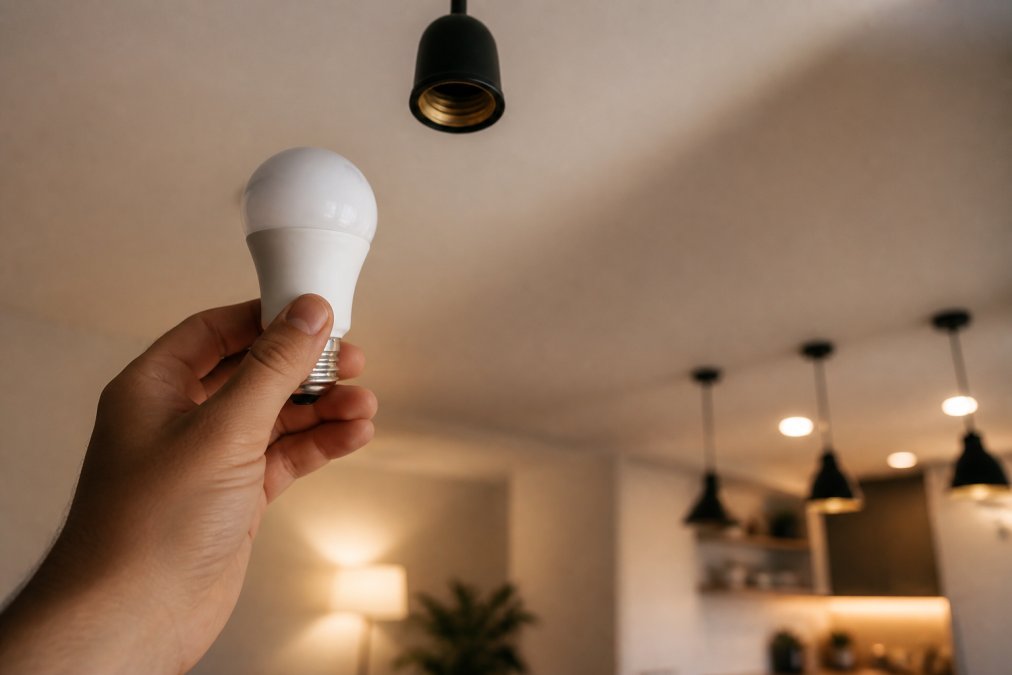
Smart bulbs are cheaper per unit and need no wiring. Smart switches cost more per device but control every bulb on the circuit at once.
That distinction matters more than sticker price. One switch can govern six recessed lights; six smart bulbs cost six times as much and clog your Wi-Fi with six connections. For multi-fixture rooms on one circuit, the switch wins on cost and network load.
Installation Costs and DIY vs. Professional Wiring
Smart bulbs screw in like any other bulb. Smart switches require opening the wall box, identifying the neutral wire, and confirming your wiring supports the load, where most homeowners stop.
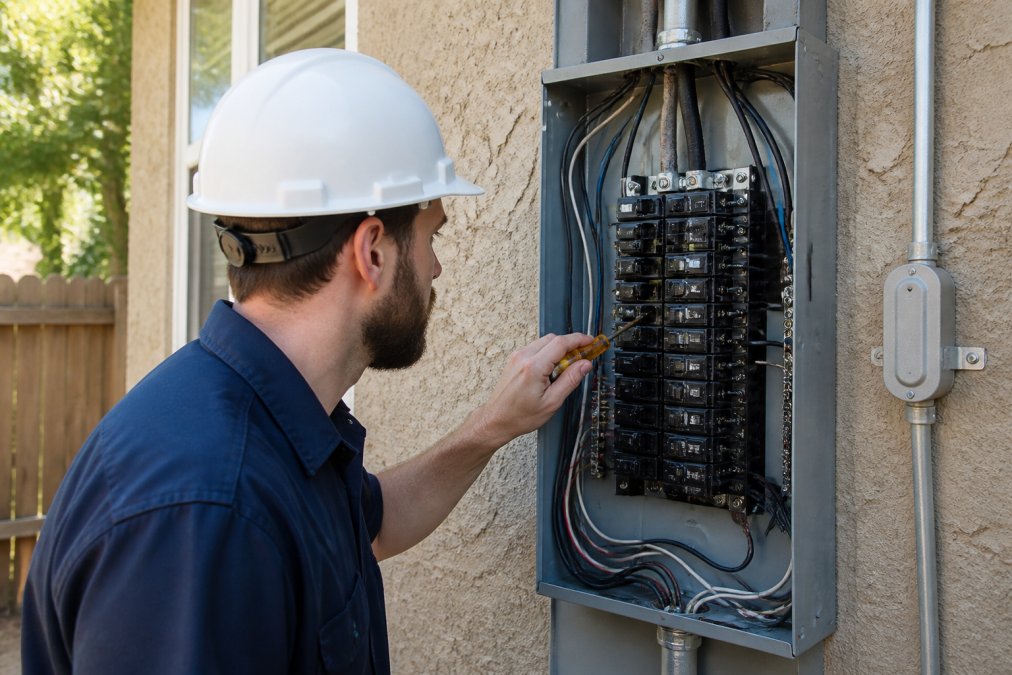
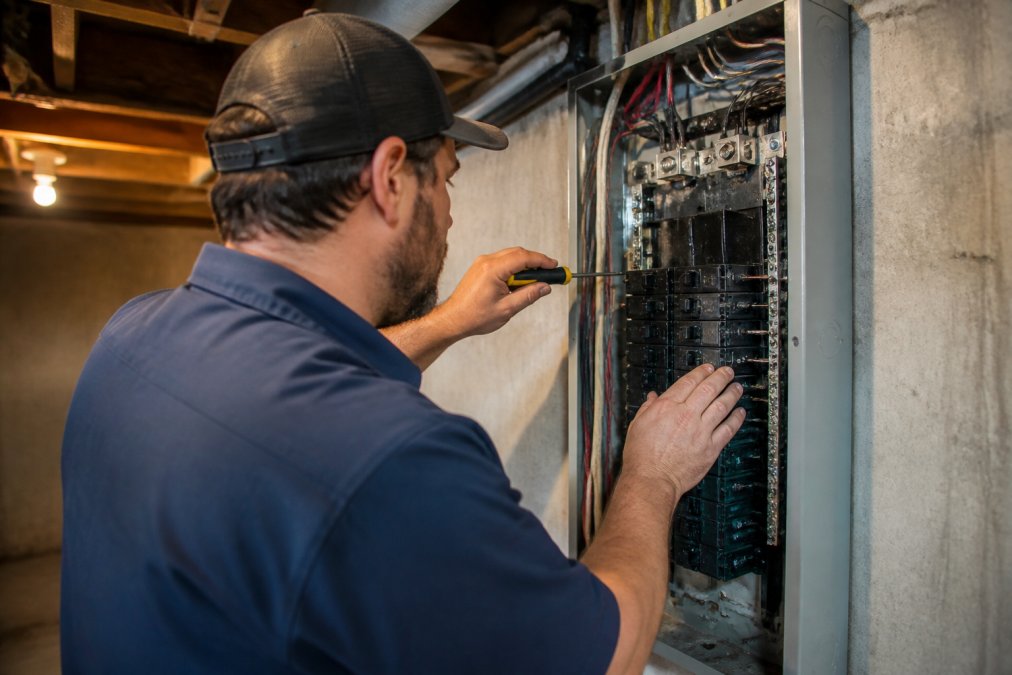
A common mistake is assuming every switch box has a neutral wire. Many older homes don't, and without one, most smart switches won't work. A licensed electrician can confirm this in minutes and tell you whether a neutral wire needs to be run. Mister Volts handles that diagnostic as part of standard service calls, so you're not guessing before you buy hardware. For current pricing on installation, request a quote directly from Mister Volts.
| Factor | Smart Bulbs | Smart Switches |
|---|---|---|
| Hardware cost per point | Lower | Higher |
| Installation complexity | None | Requires wiring |
| Neutral wire needed | No | Usually yes |
| Best for | Renters, single fixtures | Multi-fixture rooms |
Energy Savings of LED Smart Lighting: Do the Numbers Add Up?
The energy case for smart lighting rests almost entirely on the LED inside the fixture, not the radio or the app. An incandescent bulb converts roughly 90% of the electricity it draws into heat and only about 10% into visible light; an LED flips that ratio, which is why a 60-watt-equivalent incandescent can be replaced by an LED drawing around 8 to 10 watts for the same brightness in lumens (energy.gov). That is the real savings engine, and it exists whether or not the bulb is connected to anything.
How LED Technology and Scheduling Cut Utility Costs
Run the math on a single fixture. A 60-watt incandescent left on four hours a day draws about 7.3 kilowatt-hours per month; a 9-watt LED on the same schedule drops to roughly 1.1. Multiply across a dozen fixtures and the difference shows on your monthly statement, though the exact dollar figure depends on your utility's rate per kilowatt-hour.
The 'smart' layer adds a second, smaller slice. Scheduling eliminates lights left burning in empty rooms, and occupancy or motion triggers cut runtime further in hallways, closets, and bathrooms. Dimming helps too: dropping an LED to 50% brightness typically cuts power draw by more than half, because LEDs dim by reducing current rather than filtering light through a resistor.
Where the pitch gets oversold is the implication that smart features alone justify the purchase. They don't. If your home still runs incandescent or halogen bulbs, the LED swap does 80% or more of the work; automation trims the remainder. A homeowner who buys smart bulbs but leaves the rest of the house on incandescent has optimized the smallest part of the problem.
The Health Angle Most Buyers Never Hear About
Energy savings are the headline, but the more compelling reason to go tunable is circadian rhythm support. Human biology responds to color temperature, measured in Kelvin. Morning daylight sits around 5000K to 6500K, cool, blue-rich light that suppresses melatonin and supports alertness (peer-reviewed research). Evening light in the 2200K to 2700K range is warm and amber-toned, signaling the body to wind down.
Fixed bulbs lock you into one temperature. Tunable white smart bulbs let you schedule a shift: bright and cool at 7 a.m., neutral through the workday, warm and dim after sunset. For shift workers, people who struggle to fall asleep, or anyone under harsh evening overhead light, that schedule is a functional improvement, not a gimmick. The research on lighting and sleep is still developing, so treat this as a supporting benefit rather than a medical treatment.
Environmental Impact Beyond the Energy Bill
Energy savings are only part of the environmental ledger. Smart bulbs contain driver electronics, radios, and sometimes rare-earth phosphor, making them harder to recycle than a plain LED. When a smart bulb's radio fails or its manufacturer drops app support, the whole bulb becomes e-waste even if the LED still works.
Smart switches avoid that trap. The switch stays in the wall for years, and you replace only the inexpensive LED bulbs on the circuit when they burn out. For long-term installs, the switch-based approach generates meaningfully less electronic waste over a decade, a trade-off worth weighing alongside the utility bill.
Smart Bulb vs. Smart Switch: Which One Fits Your Home?
The smart bulb vs. smart switch decision comes down to control scope, wiring, and how many fixtures you need to manage. Bulbs win for flexibility and rentals. Switches win for whole-room control and network efficiency.
Hub-Based vs. Hubless Systems and Connectivity
Hubless systems connect directly over Wi-Fi. Hub-based systems use Zigbee, Z-Wave, or a proprietary protocol through a central hub. Wi-Fi is simpler to set up but adds devices to your router's load; Zigbee and Z-Wave create a separate mesh network that stays more stable as device counts climb.
Hub-based setups also handle latency better. With twenty-plus connected devices, a dedicated mesh network keeps commands responsive in a way a crowded Wi-Fi band often can't.
Convenience, Automation, and Voice Control Integration
Convenience is where smart home lighting earns its keep. Scheduling, scenes, and remote access turn lighting from a manual chore into something that runs itself.
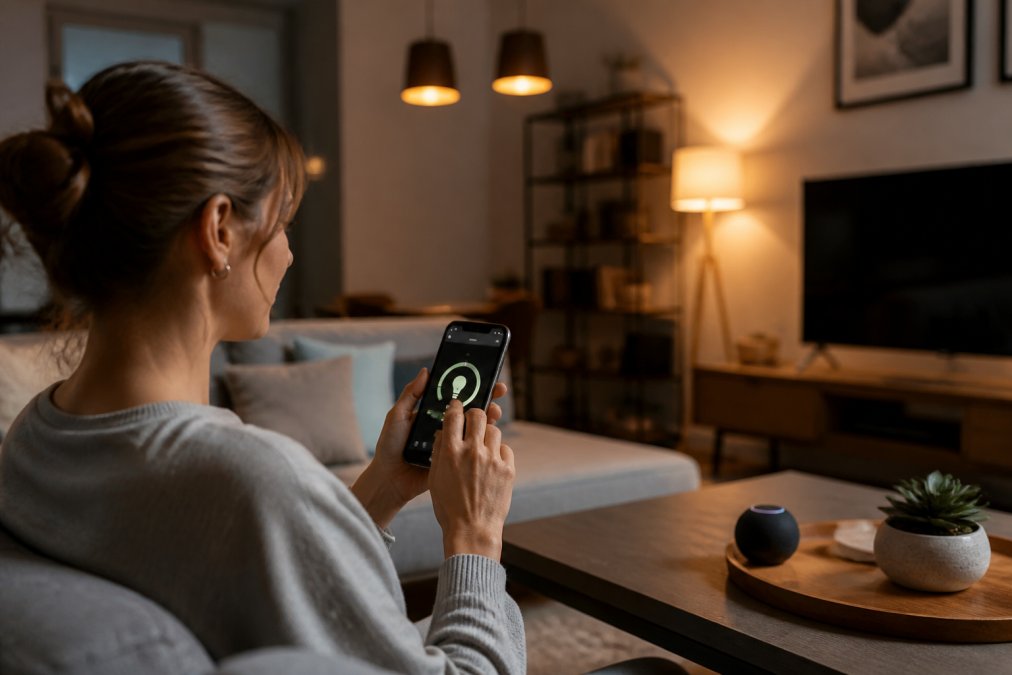
Voice assistant integration ties it together. Saying "turn off the downstairs lights" beats walking room to room, and for anyone managing a large home or business premises, that time adds up. Dimming and scenes shift a room from bright task lighting to soft ambient lighting without touching a switch.
The catch is setup. Each ecosystem has its own app and learning curve. Most homeowners get comfortable within a week, but expect a few frustrating evenings first.
Compatibility With Your Smart Home Ecosystem
Compatibility determines whether your smart lighting behaves as one system or five disconnected apps. Platforms support different protocols, and interoperability is rarely plug-and-play. Before buying, confirm three things: which protocol the device uses, whether your hub supports it, and whether it works with your voice assistant.
The Protocols You'll Actually Encounter
Wi-Fi bulbs connect directly to your router with no hub required. They are the simplest to set up, but every bulb is a separate client on your network. Consumer routers commonly handle 30 to 50 simultaneous clients before performance degrades, and that budget is shared with phones, laptops, TVs, and streaming devices (fcc.gov). A dozen Wi-Fi bulbs is usually fine; thirty is where people notice lag.
Zigbee and Z-Wave are mesh protocols. Each device talks to its neighbors and relays commands back to a hub, so the network gets more robust as you add devices. They operate on separate radio bands from Wi-Fi, so they don't compete for airtime. The trade-off: you need a hub, often built into a smart speaker, a dedicated bridge, or a home automation controller, and not every bulb speaks the same mesh language.
Matter and Thread are newer interoperability standards designed to let devices from different brands work together without brand-specific hubs. Adoption is still uneven, and many products on shelves predate the standard. Check the packaging or product listing for the specific protocol rather than assuming a brand supports it across its whole line.
Hub Requirements and What They Cost You
A hub is not just a purchase decision; it is an ongoing responsibility. It draws power, needs firmware updates, occupies an app, and occasionally needs a reboot. Hub-based systems also handle latency better than Wi-Fi at high device counts, because the mesh keeps commands on a dedicated network instead of competing with video streams and downloads.
Some ecosystems let you skip the hub by using a smart speaker as the controller. That works for small installs, but it ties your lighting to one vendor's platform. If that platform changes terms or drops support for a device class, your lights go with it. A standalone hub from a manufacturer with a long track record of updates is more durable for a whole-home install.
Firmware Updates and Long-Term Support
Firmware updates fix bugs and close security gaps, but an unpatched device can drop off your network or lose platform support entirely. The practical question is not whether a brand pushes updates, most do, but whether it keeps pushing them after the product line is a few years old. Brands that abandon hardware quickly leave owners with orphaned devices that work locally but no longer integrate with anything.
Before committing to a whole-home install, check the manufacturer's support page for the specific model. If the most recent firmware note is more than a year or two old, treat that as a signal about the product's remaining life. For a system you plan to keep for a decade, that signal matters more than the sticker price.
The Hidden Costs: Network Congestion and Firmware Updates
The costs nobody puts on the box are the ones that surprise people: network congestion and ongoing maintenance.
Every Wi-Fi smart device competes for bandwidth and router capacity. A mesh protocol like Zigbee or Z-Wave sidesteps much of this but requires a hub, another device to power, update, and troubleshoot. Firmware updates, app changes, and platform shutdowns mean your system needs occasional attention, not just installation.
Smart Lighting for Accessibility and Circadian Health
Two benefits rarely appear in generic pros-and-cons lists: accessibility and circadian health.
For people with limited mobility, voice control and scheduling aren't conveniences, they're independence. Lights that respond to a spoken command or a set schedule remove a daily physical barrier. That's a genuine quality-of-life improvement, not a gimmick.
Circadian rhythm support works through color temperature. Cool, blue-rich light in the morning supports alertness; warm, amber-toned light in the evening signals the body to wind down. Tunable smart bulbs let you shift color temperature on a schedule, which fixed bulbs can't replicate. The research on lighting and sleep is still developing, so treat this as a supporting benefit rather than a medical solution.
Conclusion: Is Smart Home Lighting Worth the Investment?
The real challenge with smart home lighting isn't the technology. It's getting the wiring, network, and ecosystem to work together, where most DIY installs stall.
Mister Volts brings licensed electricians, code-compliant installations, and a full range of residential and commercial electrical services to Macon, Perry, and the surrounding communities. From confirming your switch boxes have neutral wires to installing custom lighting systems that integrate cleanly with your smart home setup, the team handles the parts that trip up most homeowners.
Get started with Mister Volts and build a smart lighting system that's safe, reliable, and actually worth what you paid for it.
Frequently Asked Questions
What are the downsides of smart lighting?
Smart lighting can add complexity to your home's network, especially if you install many Wi-Fi bulbs. Each device consumes bandwidth, and connectivity issues may arise. Some systems require a hub, adding cost. Firmware updates are necessary for security and performance. There's also the initial investment, which can be higher than traditional fixtures. For renters, permanent smart switches may not be an option. Finally, if the internet goes down, some cloud-dependent features may stop working, though local control often remains.
Do smart lights actually lower your monthly electric bill?
Yes, primarily because they use LED technology, which consumes up to 75% less energy than incandescent bulbs. Smart features like scheduling and dimming further reduce waste by ensuring lights are only on when needed. However, the savings depend on your usage. If you replace frequently used incandescent bulbs with smart LEDs, you'll likely see a noticeable drop in utility costs. The energy savings of LED smart lighting can offset the initial investment over time, but the payback period varies based on electricity rates and usage patterns.
How much should a homeowner budget for a professional smart lighting system?
Budgeting depends on the scope: the number of fixtures, whether you choose smart bulbs or smart switches, and if you need professional installation. Professional installation adds labor, especially if wiring updates are needed. Get a detailed quote from a licensed electrician to understand smart lighting installation cost for your specific project.
Are smart bulbs compatible with existing home wiring?
Smart bulbs are designed to fit standard E26 or E12 sockets, so they work with most existing wiring without modification. However, smart switches require a neutral wire in the switch box, which older homes may lack. If you're unsure, a licensed electrician can check your wiring. For homes without a neutral wire, smart bulbs are often the simpler choice. Always verify compatibility before purchasing, and consult a professional if your wiring is outdated or aluminum, as that may require updates for safety and code compliance.