 blog
blog
7 Best Custom Lighting Ideas for Home Offices in 2026
Table of Contents
- Why Custom Lighting Beats a Single Overhead Fixture
- Idea 1: Layered Lighting With Dimmable LED Strips and Adjustable Task Lamps
- Idea 2: The Best Color Temperature for a Home Office (and Why 4000K Wins)
- Idea 3: Lighting Your Webcam Setup for Video Calls
- Idea 4: Circadian Rhythm Lighting Schedules for All-Day Energy
- Idea 5: Dual-Monitor Ergonomic Placement That Kills Screen Glare
- Idea 6: Budget-Friendly DIY Lighting Hacks That Still Look Custom
- Idea 7: Smart Home Integration for One-Touch Workspace Control
- Home Office Lighting Installation Cost and Code Basics
- Frequently Asked Questions
Last Updated: September 15, 2026
Why Custom Lighting Beats a Single Overhead Fixture
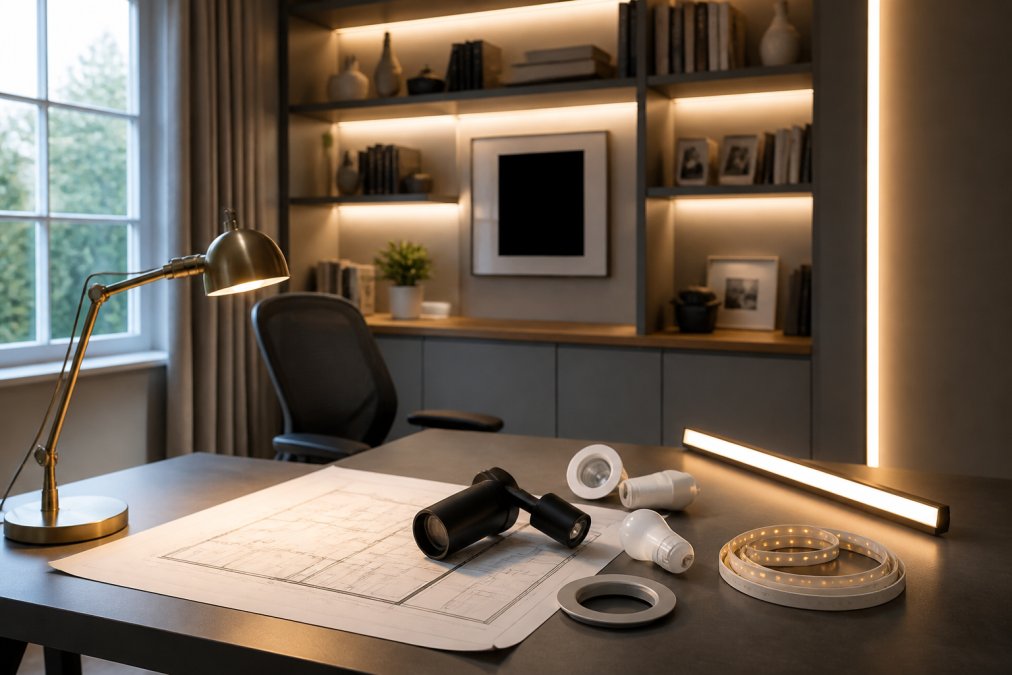
Custom lighting is the deliberate layering of ambient, task, and accent light sources to match how a workspace is actually used, rather than relying on one ceiling fixture. One overhead light flattens a room: it casts shadows on your keyboard, reflects off your monitor, and leaves the corners dim. At Mister Volts, we see this constantly in home offices across the region, and the fix is almost never a bigger fixture, it is better placement, the right color temperature, and independent control of each layer.
A single ceiling light forces your eyes to adapt to one brightness level all day, while layered sources let you brighten the desk without washing out the room. Below are seven custom lighting setups worth copying, plus the code and installation details that keep the work safe.
Idea 1: Layered Lighting With Dimmable LED Strips and Adjustable Task Lamps
The strongest home office setups use three layers: ambient light for the room, task lighting for the desk surface, and accent lighting for depth. Dimmable LED strips handle the accent and under-shelf layer, while an adjustable task lamp with a flexible arm covers the work area. Together they reduce contrast between screen and surroundings, a common source of eye strain.
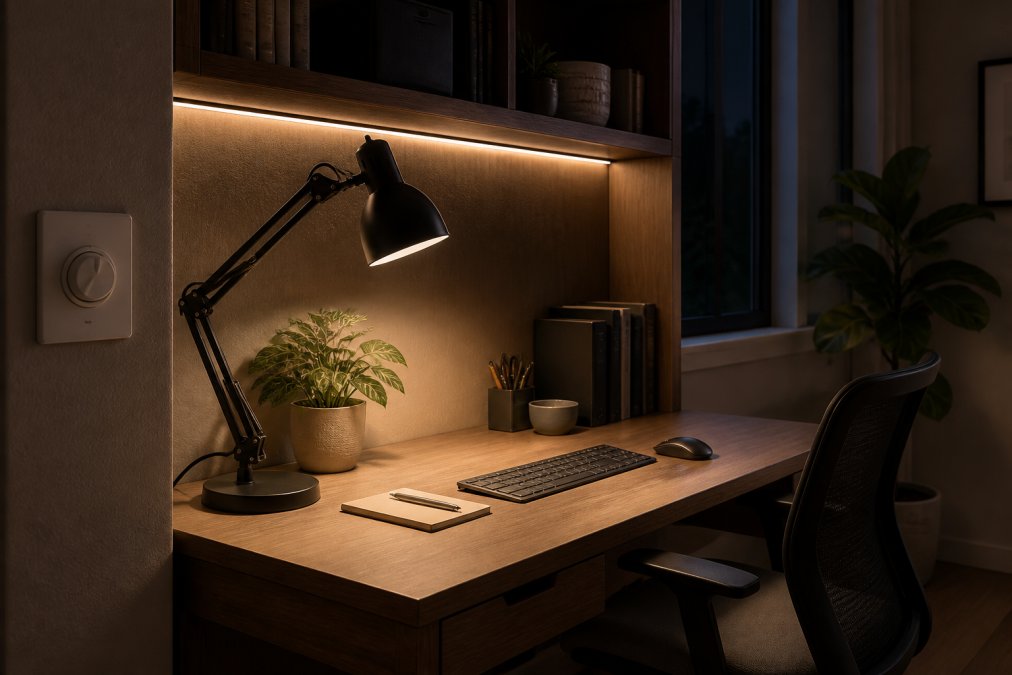
A common mistake is buying the brightest lamp available. A 400 to 500 lumen task lamp placed to the side of your dominant hand beats a 1,500 lumen fixture aimed at your face. Look for flicker-free drivers and a color rendering index above 90 so printed documents and fabric samples look accurate.
Under-Cabinet and Shelf Lighting for Shadow Reduction
Under-cabinet and shelf lighting fills the gap that overhead fixtures miss. Mount LED light strips to the underside of a hutch or shelf so light falls onto the desk without crossing your line of sight, the cheapest way to kill hand shadows while you write or sketch. Choose a strip with a diffused channel rather than bare diodes, since exposed LEDs create hot spots and visible dots on the desk surface.
Direct vs Indirect Lighting: Where Each Belongs
Direct lighting points at the work surface and belongs on your desk and keyboard. Indirect lighting bounces off a wall or ceiling and belongs behind the monitor or along the top of a bookcase. The ratio matters more than total output: aim for roughly 60 percent indirect and 40 percent direct in a small office to soften shadows and avoid a clinical feel.
Idea 2: The Best Color Temperature for a Home Office (and Why 4000K Wins)
The best color temperature for a home office is 4000K, a neutral white between the warm 2700K of living rooms and the clinical 5000K of labs. It keeps you alert without the blue-heavy harshness that makes long screen sessions uncomfortable, and 4000K with a high CRI is the safest default for color-critical work.
Kelvin measures color temperature, and lumens measure brightness, confusing them is the most common buying error we see. A 4000K bulb at 800 lumens and a 2700K bulb at 800 lumens put out identical light, just at different tints.
Warm White vs Cool White: Matching Kelvin to the Task
Match the tint to the task, not the decor. Warm white around 2700K to 3000K suits evening reading and unwinding; cool white from 5000K up suits detailed assembly or inspection work. For a mixed-use home office, a tunable fixture that shifts from 3000K in the morning to 2700K after dinner covers both without buying twice.
| Kelvin | Tint | Best For |
|---|---|---|
| 2700K | Warm white | Evening reading, relaxation |
| 3000K | Soft white | General home office use |
| 4000K | Neutral white | Focused desk work, video calls |
| 5000K+ | Cool white | Detail and inspection tasks |
Idea 3: Lighting Your Webcam Setup for Video Calls
Webcam lighting is the gap most office guides ignore, and it decides whether you look like a professional or a silhouette on every call. The rule is simple: light your face, not your screen. Place a soft, diffused source at roughly 45 degrees to one side and slightly above eye level for even skin tones with no raccoon shadows. A ring light directly behind the camera works, but it flattens features and creates a telltale halo in the eyes.
The Three-Point Setup, Scaled to a Desk
Studio lighting uses a key, a fill, and a backlight. Approximate all three with two desk-sized sources and one cheap trick:
- Key light: your brightest source, placed 45 degrees off-axis and about 12 to 18 inches above eye level, angled down at your face. A 10-inch LED panel or a softbox-style diffuser works; bare bulbs do not.
- Fill light: a dimmer source on the opposite side, roughly one-third to one-half the key's output, to lift shadows on the far cheek. A second small panel turned down, or a white foam board bouncing the key light back at you, does the job.
- Backlight or hair light: a small lamp behind you and off to one side, aimed at the back of your head and shoulders. This separates you from the wall and stops you from looking pasted onto the background.
Color Temperature and Brightness Targets
Match your key light to your monitor's white point or you will look orange or sickly blue on camera. A 4000K to 5000K key light pairs well with a monitor at its default daylight preset; for a warmer evening look, drop both the key and the monitor to 3000K together rather than mismatching them.
Brightness is where most people overshoot. A key light far brighter than your monitor blows out your face and makes the screen look dim and gray. Aim for the key to be roughly one to two stops brighter than the ambient room, not ten. If your webcam has manual exposure, lock it and adjust the key until your face sits at a comfortable mid-tone; if it is auto-only, dim the key until the camera stops hunting.
Fixing the Common Failure Modes
- Backlit by a window: the camera exposes for the bright wall and turns you into a silhouette.
Renter-Friendly and Budget Options
Idea 4: Circadian Rhythm Lighting Schedules for All-Day Energy
A practical routine for a home office:
Idea 5: Dual-Monitor Ergonomic Placement That Kills Screen Glare
The Reflection Geometry, in Plain Terms
Positioning the Monitors Themselves
Bias Lighting: The Cheapest Glare Fix
When You Cannot Move the Desk
Idea 6: Budget-Friendly DIY Lighting Hacks That Still Look Custom
Idea 7: Smart Home Integration for One-Touch Workspace Control
Home Office Lighting Installation Cost and Code Basics
Frequently Asked Questions
What is the best color temperature for a home office?
Aim for 3500K to 4500K for most home office work. This range sits between warm white (2700K-3000K) and cool white (5000K-6500K), giving you alertness without the harshness that causes eye strain during long sessions. If you edit photos or videos, look for fixtures with a color rendering index (CRI) of 90 or higher so colors stay accurate on screen and on paper. A dimmable fixture lets you drop to 2700K in the evening when you want to wind down.
How much does home office lighting installation cost?
Home office lighting installation cost depends on the scope: the number of fixtures, whether new circuits or outlets are needed, ceiling height and access, and whether you want dimmer switches or smart controls. A simple swap of an existing fixture costs far less than running new wiring for recessed lights or under-cabinet LED strips. Because every workspace is different, Mister Volts provides a free on-site assessment and a written quote before any work begins, so you know the full price up front.
What does the NEC electrical code for home office lighting require?
The NEC electrical code for home office lighting covers several practical points: proper circuit sizing and breaker protection for the load, grounded outlets within reach of the desk, junction boxes that remain accessible, and fixtures rated for their location. If you add a dedicated circuit for a space heater, printer, or multiple monitors, the wiring and breaker must match the amperage. A licensed electrician verifies all of this during installation so your setup passes inspection and stays safe long-term.
How do you layer lighting in a small home office?
Start with ambient illumination from a ceiling fixture or a wall-mounted indirect light that bounces off the ceiling to reduce shadows. Add task lighting with an adjustable arm desk lamp positioned so the light falls across your work surface, not into your eyes. Finish with accent lighting such as LED light strips behind the monitor or along a shelf. Keep every layer on a dimmer switch so you can shift the balance between focused work and video calls without moving a single fixture.
A beautiful home office is only as good as the wiring behind it. If your plan calls for new circuits, dimmers, or hardwired fixtures, Mister Volts brings licensed electricians, NEC-compliant installations, and competitive quotes to every job, from a single outlet replacement to a complete renovation. Get started with Mister Volts and build a workspace that is safe, efficient, and ready for inspection.