 listicle
Benefits of Upgrading to Smart Home Lighting Systems
Table of Contents
- Smart Home Lighting Systems: Benefits That Cut Bills and Add Convenience
- How the Energy Efficiency of LED Smart Bulbs Lowers Energy Consumption
- Enhanced Home Security and Deterrence with Smart Lighting
- Customizable Ambiance, Mood Lighting, and Circadian Rhythm Support
- Integration with Smart Home Ecosystems and Voice Assistants
- Smart Lighting Installation Cost and Long-Term Investment Value
- NEC-Compliant Smart Lighting Installation: What to Expect
- Privacy, Cybersecurity, and Environmental Impact Beyond Energy
- Frequently Asked Questions
Last Updated: September 22, 2026
Smart Home Lighting Systems: Benefits That Cut Bills and Add Convenience
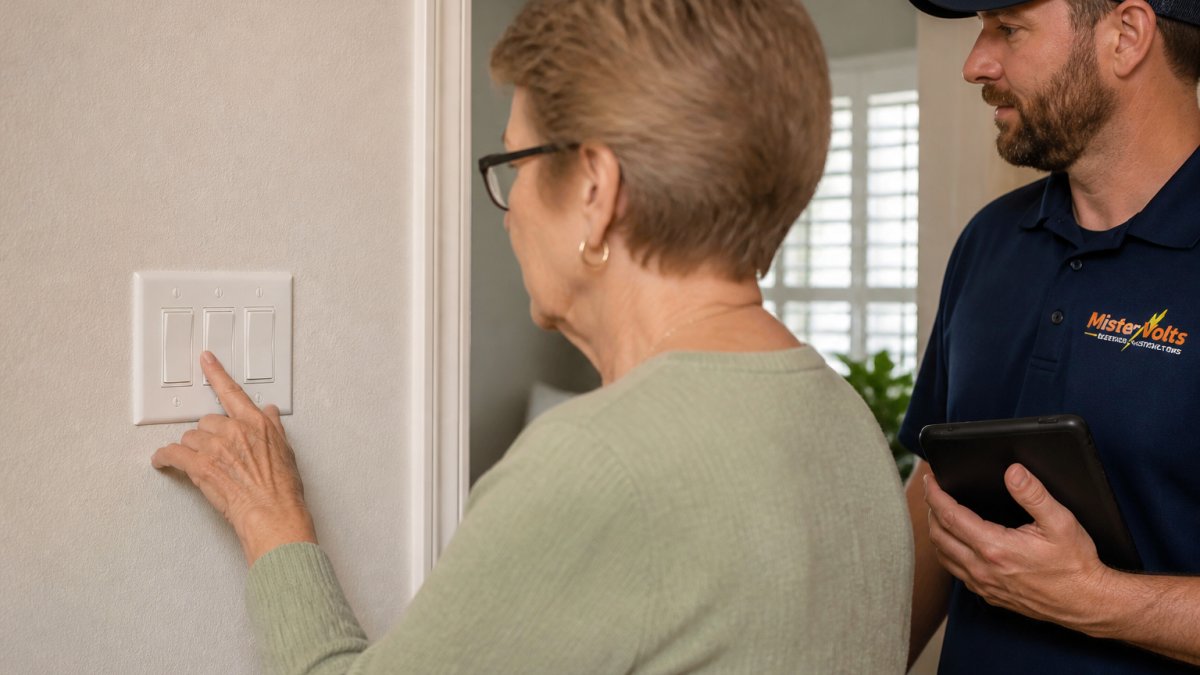
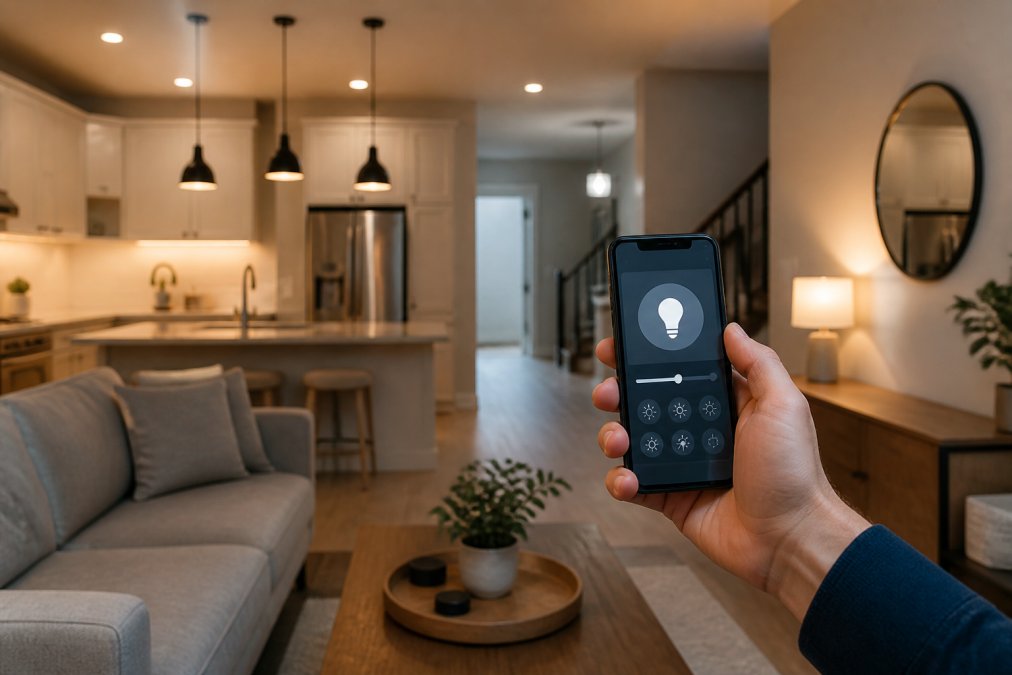
Smart home lighting is a connected lighting setup that lets you control brightness, color, and schedules from a phone, voice assistant, or hub instead of a wall switch alone. For homeowners across Macon, Perry, and Warner Robins, the appeal comes down to two things: lower energy consumption and daily convenience. At Mister Volts, our licensed electricians provide professional electrical services.
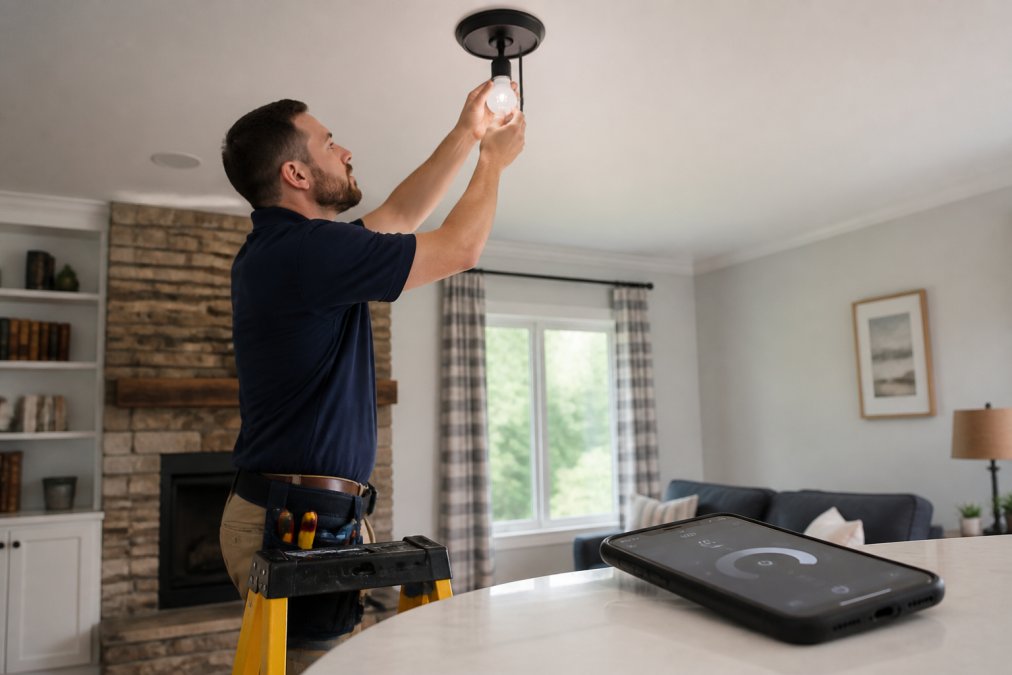
Energy Efficiency and Cost Savings
LED smart bulbs use a fraction of the wattage of incandescent bulbs to produce the same brightness. That gap is the core of the savings story.
How the Energy Efficiency of LED Smart Bulbs Lowers Energy Consumption
Smart bulbs save energy in three distinct ways, and most articles only mention the first.
- Lower wattage per bulb. LEDs convert more electricity into light and less into heat.
- Automated scheduling. Lights follow sunrise and sunset instead of staying on all evening.
- Occupancy and vacancy sensing. Motion sensors cut power to empty rooms automatically.
Incandescent Replacement: Lumens and Color Temperature
When replacing incandescent bulbs, shop by lumens, not watts. Lumens measure brightness; watts measure power draw. A bulb marketed as a "60-watt replacement" typically delivers around 800 lumens.
Enhanced Home Security and Deterrence with Smart Lighting
Smart lighting is one of the cheapest security upgrades a homeowner can make, but the reason it works is more specific than "lights scare burglars." It works because it breaks the pattern of an empty house.
What the System Actually Does When Something Moves
Motion-triggered lighting is where smart systems pull ahead of timers. A few concrete behaviors most platforms support:
- Driveway and porch floods snap on the instant a motion sensor trips, then return to their prior state after a set cooldown (commonly 1 to 5 minutes).
- Camera and doorbell integration. A single motion event can trigger a porch light, start a camera recording, and push a phone notification at the same time. This is the biggest practical upgrade over a standalone motion floodlight, which does one thing.
- Geofencing. When the last household member's phone leaves the geofence, the system can arm an away scene automatically. When the first phone returns, it disarms. No schedule to remember.
- Vacation mode. A single toggle extends the randomized schedule across days rather than hours, so a week-long trip doesn't leave the house dark after night two.
The Remote-Access Advantage
The practical edge over any timer is remote access. If you're away and forgot to set the schedule, you fix it from your phone in seconds. If a neighbor texts that a package arrived, you can light up the porch from three states away. That responsiveness is what separates a smart system from a mechanical timer, and it's the part most buyers underestimate until they travel.
Where It Falls Short
Smart lighting is a deterrent, not a security system. It doesn't call anyone, doesn't record anything on its own, and won't help if the power is cut. Treat it as one layer, paired with cameras, a doorbell, and a monitored alarm, rather than a replacement for any of them. The homeowners who get the most out of it are the ones who integrate it with the rest of their setup rather than running it as a standalone gadget.
Customizable Ambiance, Mood Lighting, and Circadian Rhythm Support
Color-tunable bulbs turn one fixture into dozens of settings. Dinner party, movie night, focused work: each gets its own lighting scene, saved and recalled with a tap or a voice command.
Integration with Smart Home Ecosystems and Voice Assistants
Smart lighting rarely lives alone. Most systems connect to a broader smart home ecosystem through a hub or a direct Wi-Fi connection, and that's where compatibility gets tricky. Most guides list the protocols and stop there. The real question buyers ask is simpler: which one should I actually pick, and will it still work in five years?
The Three Protocols, Translated
- Wi-Fi bulbs. Connect straight to your router. No hub, cheapest entry point, easiest setup. The trade-off: every bulb is its own device on your network, and a house full of them can crowd a consumer router. Best for a handful of bulbs in an apartment or a single-room setup.
- Zigbee and Z-Wave. Low-power mesh protocols. Bulbs talk to each other and to a hub, which relays commands. More reliable at scale, lower latency, and they don't clog your Wi-Fi. The catch is the hub, an extra device, an extra app, and an extra point of failure. Best for whole-home systems with dozens of devices.
- Matter. The newer interoperability standard backed by the major platform vendors. A Matter-certified bulb works across the major ecosystems without being locked to one. It runs over Wi-Fi or Thread (a low-power mesh that needs a border router, often built into newer hubs and speakers). Matter is the closest thing the industry has to a universal answer, and it's the safest bet for anyone buying today who doesn't want to re-buy in three years.
How to Decide in Five Minutes
Ask three questions before you buy:
- How many bulbs? Under ten, Wi-Fi is usually fine. Over ten, a mesh protocol (Zigbee, Z-Wave, or Thread via Matter) will be more reliable.
- Do you already own a hub or smart speaker with a built-in hub? If yes, buy bulbs that match it. If no, Matter over Wi-Fi is the lowest-friction starting point.
- Which voice assistant do you actually use? Confirm the bulbs work with that one specifically, not just the one in the marketing photos. "Works with Alexa" and "works with Google" are not the same claim, and some budget bulbs support one but not the other.
The Lock-In Trap
The single biggest source of buyer frustration is a bulb that only talks to one platform. If the vendor's app is the only way to control it, and the vendor stops updating the app, the bulb becomes a dumb bulb. Matter-certified devices reduce that risk because control isn't tied to a single company's cloud. When in doubt, favor Matter, and check that the certification is listed on the product page rather than implied by the packaging.
Voice Assistants: What Actually Works
Once the protocol is settled, voice control is straightforward. The major assistants can turn lights on and off, dim them, change color, and trigger saved scenes by name. The limitation is naming: if two lights are both called "lamp," voice control gets confused. Name fixtures by room and function ("Kitchen Ceiling," "Living Room Floor Lamp") during setup, and the voice experience stays clean.
Smart Lighting Installation Cost and Long-Term Investment Value
Smart lighting installation cost depends on scope: how many fixtures, whether existing wiring can be reused, and whether a hub or new switches are needed. We provide competitive quotes for each job. A single-bulb swap is a weekend DIY project; a whole-home system with smart switches often needs a licensed electrician.
NEC-Compliant Smart Lighting Installation: What to Expect
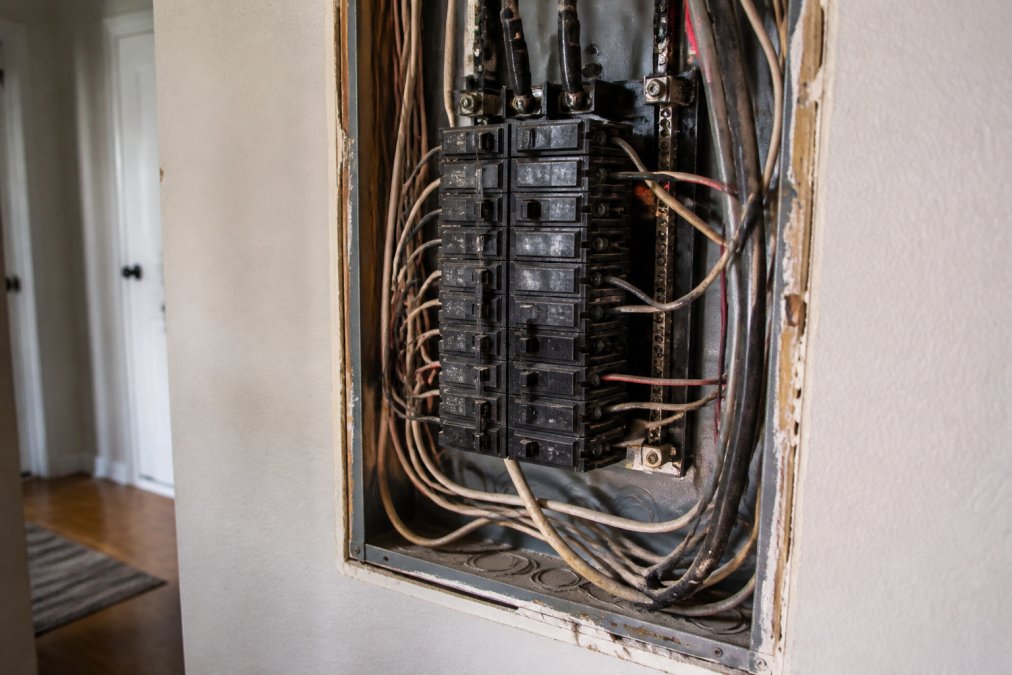
NEC-compliant smart lighting installation means the work follows the National Electrical Code, the standard that governs safe wiring, grounding, and circuit protection. Smart switches and dimmers draw differently than traditional ones and can require a neutral wire that older homes often lack. Skipping that check is how DIY installs fail inspection or, worse, create a fire risk.
Retrofitting vs. Full System Replacement
Retrofitting keeps your existing wiring and swaps bulbs or switches, which is faster and less expensive. Full replacement makes sense when wiring is outdated, when you're already renovating, or when you want smart switches throughout rather than app-controlled bulbs. A licensed electrician can tell you which path your home actually supports after a quick inspection.
Privacy, Cybersecurity, and Environmental Impact Beyond Energy
Connected bulbs collect data: when lights turn on, when you're home, which rooms you use. That data usually lives in a cloud account, which makes cybersecurity a real consideration. Change default passwords, enable two-factor authentication, and keep firmware updated. If a vendor's app feels neglected, treat that as a warning sign.
Frequently Asked Questions
What are the downsides of smart lighting?
Smart lighting can have drawbacks: higher upfront cost than standard fixtures, reliance on a stable Wi-Fi network, and potential privacy concerns if the system is not secured. Some older dimmer switches may cause flickering or reduced bulb lifespan. Compatibility issues can arise if you mix brands or lack a smart hub. Also, if the internet goes down, voice control and remote access stop working, though manual switches usually still operate. These downsides are manageable with proper planning and professional installation.
Do smart lights raise the electric bill?
No, smart lights typically lower your electric bill. LED smart bulbs use about 75% less energy than incandescent bulbs and last up to 25 times longer. Features like scheduling, motion sensors, and dimming reduce wasted light. A smart lighting system also eliminates the standby power draw of traditional bulbs left on for hours. While the bulbs themselves consume a tiny amount of power for connectivity, the overall energy consumption drops significantly. Expect savings on both lighting and cooling costs.
Are smart lighting systems worth the initial investment?
For many homeowners, yes. The energy efficiency of LED smart bulbs cuts lighting costs, and automation adds convenience and security. Smart lighting installation cost varies based on the number of fixtures, hub requirements, and whether new wiring is needed. Over time, reduced energy use and longer bulb life offset the upfront expense. If you plan to stay in your home for several years, the investment often pays for itself through lower utility bills and increased property appeal.
Can smart lighting be integrated with existing electrical systems?
In most cases, yes. Smart bulbs and smart switches can often be retrofitted into existing fixtures without new wiring, especially if you have a neutral wire in the switch box. However, older homes may lack a neutral wire, requiring a professional electrician to assess compatibility. For full system replacement or complex setups, a licensed electrician can ensure NEC-compliant smart lighting installation. Always consult a professional to avoid electrical hazards and ensure your system works reliably.
Upgrading your lighting is straightforward until you hit a neutral wire that isn't there or a hub that won't talk to your bulbs. Mister Volts takes that guesswork off your plate with licensed electricians, NEC-compliant installations, and a full range of residential and commercial electrical services, from a single fixture swap to a whole-home system. Get started with Mister Volts and light your home the safe, code-compliant way.